

How to Automate Client Follow-Ups
You had the conversation. They were interested. You said you'd follow up in a day or two. A day or two became a week. The week became a vague intention you feel bad about every time you open your phone. Eventually, you tell yourself they probably weren't a good fit anyway. Sound familiar?
This is the follow-up gap, and it's not a character flaw. It's a systems problem. When you're running sales, operations, and delivery all at once, the promise to "follow up tomorrow" is the first thing that gets buried.
The problem isn't that you don't care. It's that follow-ups require sustained attention over time, and that's exactly what most solo operators can't spare.
80% of sales require at least 5 follow-ups to close. Most people give up after 2.
What "Automate Client Follow-Ups" Actually Means
There are two levels of follow-up automation. The first is timed message sequences, you write the template once, set the delays, and the tool sends it automatically. This is what most bulk messaging tools do. It's fast. It's also impersonal, and clients can tell.
The second level is where client communication automation actually pays off: intelligent, personalized follow-ups that feel like you wrote them in the moment. The system reads who the client is, what you discussed, and drafts a message that sounds like your voice. It sends on your schedule, handles their replies, and only flags you when something needs your actual attention. The first level is a time-saver. The second level keeps your pipeline alive.
How It Works in Practice
Here's what a good follow-up system actually does. It starts with your triggers, the moments that should kick off a follow-up. A discovery call ended. A proposal was sent. A client went quiet after an initial message. You define these moments and the system monitors them.
Then it runs on a schedule you set, not when you remember. Every morning, every evening, whatever cadence matches your sales cycle. It checks your client list, identifies who's due, drafts a personalized message, and sends it through whichever channel your client prefers, email, WhatsApp, LinkedIn, or SMS.
When a client replies, the system reads the reply and decides what to do. If it's a positive signal, it continues the sequence naturally. If it's a "not interested right now," it marks the contact and stops. If it's something that needs your full attention, a question, an objection, a request to talk, it brings you in with the full context so you're ready. You're not scheduling broadcast messages. You're running a conversation that continues even when you're busy.
The Real Benefit Isn't Saving Time
Most follow-up automation content leads with time saved. That is real, but it is not the main event. The main event is this: every day you do not follow up is a day a warm lead goes cold. Not because they stopped being interested, because life got in the way and your name did not stay top of mind. Agencies lose deals that would have closed with consistent follow-up. Freelancers miss the repeat engagement that would have turned a one-time project into a retainer. It is not a productivity problem. It is a revenue problem.
When you automate client follow-ups, you are not buying back an hour. You are keeping deals alive that would have died without a system in place.
The Mistakes That Make Automation Feel Cold
The fear most people have with follow-up automation is that it sounds robotic. It does not, unless you set it up wrong. Sending too fast, too often feels like spam. Three messages in a week reads as desperation, not persistence. Your cadence needs to match your market's buying cycle.
Not handling replies is the other killer. The worst experience is a client who responds, and their message disappears into an unmonitored inbox. Your automation has to read replies and respond, or at minimum flag them for you immediately.
And treating every lead the same is how you end up sending a "checking in" message to someone who already signed. Segment your follow-up logic. A referral from a warm introduction needs different language than a cold inbound message.
The Minimum Viable System
You do not need to automate everything at once. Start with your last 30 days of contacts who did not buy, the ones that went quiet after a promising conversation. Write three follow-up messages that are short, warm, and reference something specific you discussed. Set a schedule to send them. When they reply, continue the conversation naturally.
Two hours to set up. Months of a warm pipeline after.
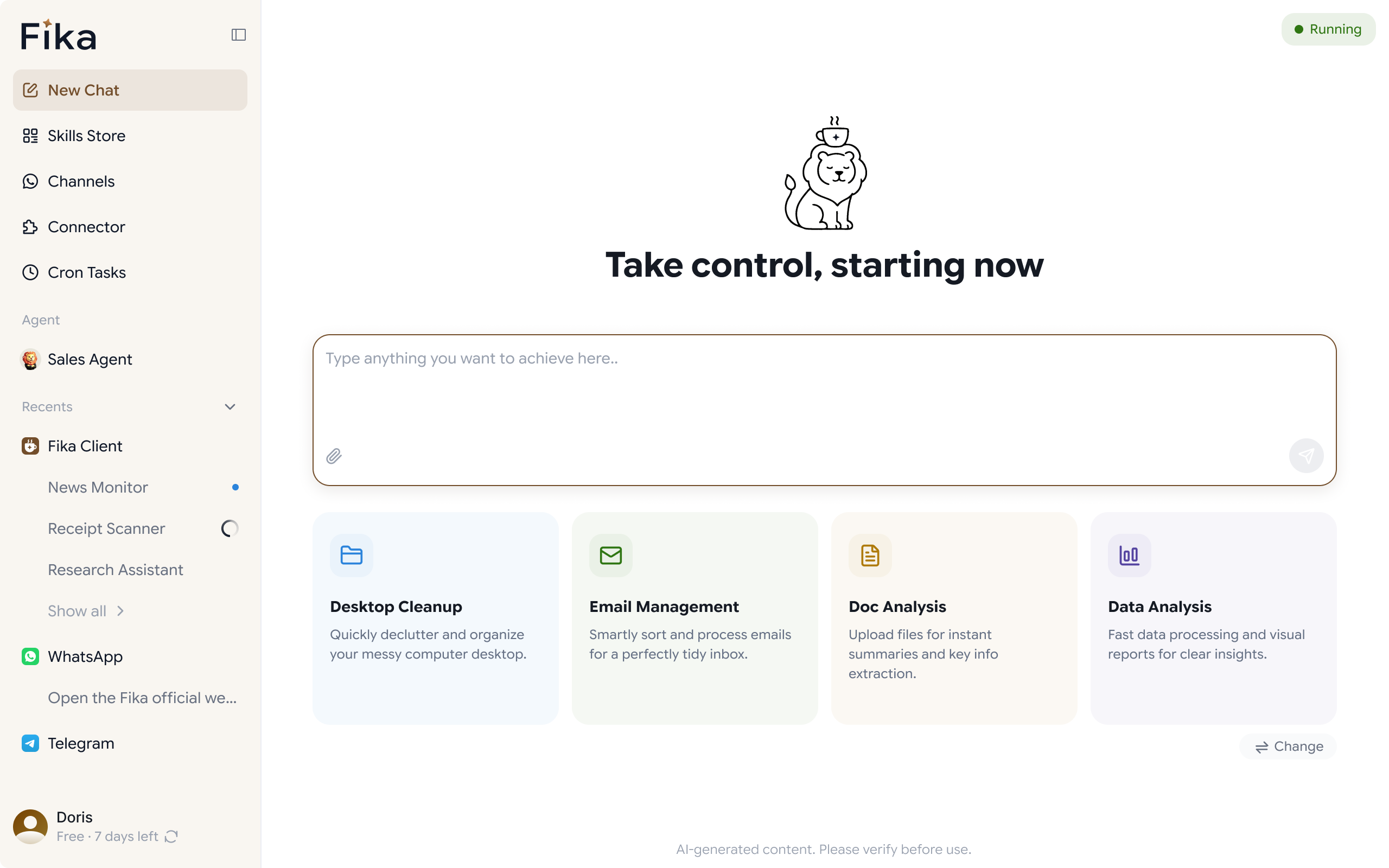
When you are ready to scale, multiple sequences, reply handling, multiple channels, that is when you move to a system like FIKA that manages the full follow-up lifecycle without you touching every message.
Keep the Relationship. Close More Deals.
The best client communication automation sounds like a competent, organized friend checking in, not a bulk messaging tool. It reads the conversation, drafts accordingly, and adjusts based on how the client responds.
That level of follow-up used to require a dedicated sales assistant or constantly being on your phone. Now it requires a system that understands your process and runs it when you cannot. The same logic that lets you automate client onboarding applies here too.
If your pipeline has gone cold because you could not keep up with the follow-up, the problem is not you. It is that you needed a system.
Automate client follow-ups. Keep the relationship. Close more deals.