

Train Your WhatsApp Agent These 7 Things Before It Replies

An AI that answers your customers is only as good as what it knows about your business. Give it the wrong delivery time and it will repeat that mistake to every customer who asks. Give it your real prices, policies, and tone, and it answers the way you would on your best day.
Most of the work happens before the first reply goes out. Here are the seven things worth teaching your WhatsApp Agent, and how to check it learned them.
Why Your WhatsApp Agent Needs Business Knowledge
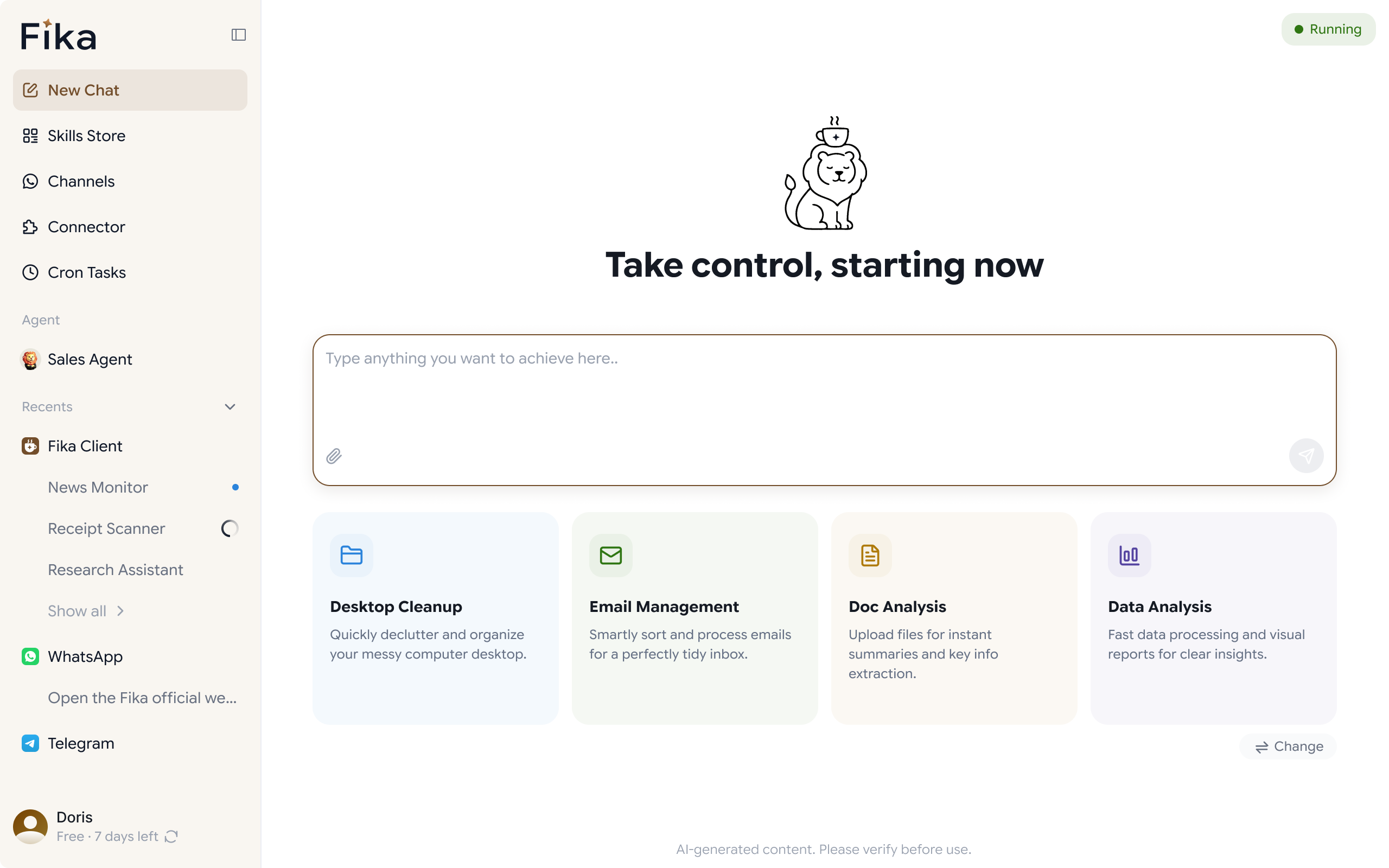
Fika's WhatsApp Agent reads each message, works out what the customer is asking, and replies using the context of that conversation. It can only be as accurate as the information behind it. A customer asking "do you deliver to Mombasa?" needs your actual answer, not a polite guess.
The good news is that the questions customers ask are repetitive. A short, well-prepared set of answers covers most of what lands in your inbox.
7 things to train your WhatsApp Agent about your business
1. What you sell and what it costs. List your products or services with current prices. If prices vary by size, quantity, or location, say how. This is the most asked topic on WhatsApp, so it deserves the most care.
2. How delivery works. Include the areas you serve, how long delivery takes in each, what it costs, and when orders ship. Delivery timing is where wrong answers create the most angry follow-up messages.
3. How customers can pay. Spell out the payment methods you accept, when payment is due, and what a customer should do after paying. Customers often ask "did my payment go through?" within minutes of sending money.
4. Your returns and refund rules. Write down what can be returned, within how many days, and who pays for shipping. Clear rules prevent the agent from promising something you would not honor.
5. Your ten most asked questions, with your best answers. Scroll through your recent chats and note what people ask again and again. Write the answers in your own words, since this is where the agent learns how you actually talk.
6. Your tone of voice. Decide how you sound. Friendly and casual, or polished and formal? Short replies or detailed ones? A line or two describing your style, plus a sample reply you like, goes a long way.
7. What it should hand back to you. Complaints, refund disputes, custom orders, and large negotiations deserve a person. Tell the agent which topics it should never settle alone, and which promises, such as discounts or delivery deadlines, it should never make.
Start with Review mode, then let it Reply on its Own
You do not have to trust the agent fully on day one. The WhatsApp Agent can prepare replies for you to approve before they go out, or send them directly once you are comfortable. Messages it is unsure about wait for your review instead of getting a guess.
A sensible way to start:
- Run in review mode for the first few days and read every draft.
- Note each draft you change, and why.
- Add the missing detail to what the agent knows.
- Switch routine questions to automatic replies once the drafts stop needing edits.
Keep complaints and anything involving money on review for as long as you like.
How to test your WhatsApp Agent before customers see it
Before it handles real conversations, give it a practice run with questions customers have already sent you:
- Pull ten real questions from your past chats and check each answer against what you would say.
- Ask the same question two different ways, such as "how much is delivery" and "what do you charge to ship".
- Ask something the agent should not answer on its own, like a refund dispute, and confirm it hands it back.
- Try a message in another language if your customers use more than one. The WhatsApp Agent replies in the customer's own language, so check those answers too.
If an answer is wrong, the fix is almost always a gap in what you taught it, not a fault in the tool.
Keep your WhatsApp Agent's knowledge up to Date
What your business knows changes, so what the agent knows should change with it. Update it when:
- Prices or stock change
- You add or retire a product
- Delivery times shift, which they often do during busy seasons
- Your return policy changes
- You run a promotion with specific rules
A quick check once a month keeps the agent from repeating yesterday's answers.
Your WhatsApp Agent training checklist
- Products, services, and current prices written down
- Delivery areas, times, and costs
- Payment methods and what happens after payment
- Returns and refund rules
- Your ten most asked questions with your own answers
- A short description of your tone, with a sample reply
- A clear list of topics to hand back to you
- A week in review mode before switching to automatic replies
- A monthly update to keep everything current
Frequently Asked Questions
How long does it take to teach a WhatsApp Agent about my business?
Gathering your prices, policies, and common questions usually takes an afternoon. Refining the answers over the first week of real conversations is where most of the improvement happens.
What if the agent gets an answer wrong?
Correct the detail it was missing and test it again. Starting in review mode means a wrong draft reaches you before it reaches a customer.
Will it answer questions it has no information about?
Messages it is unsure about are held for your review rather than answered with a guess, so gaps show up as questions waiting for you, not as wrong replies.