

Choosing the Right AI Scheduling Assistant
Choosing the Right AI Scheduling Assistant
If you're comparing AI scheduling assistants, you already know the basics: something that finds meeting times, syncs calendars, and cuts down the back-and-forth. What's harder to tell from a pricing page is which tools actually deliver on that, and which ones are a smart calendar wearing an AI label.
Types of AI Scheduling Assistant
Most tools on the market fall into one of two categories, and picking the wrong one is the most common reason people end up disappointed.
Dedicated schedulers. Tools like Motion, Reclaim, and FlowSavvy exist purely to manage your calendar. They auto-schedule tasks alongside meetings, rebalance your day when something shifts, and protect focus time by rule. If your problem is specifically "my calendar is a mess," these are built for exactly that, and they've spent years refining it.
All-in-one agents with scheduling built in. Tools like Fika handle scheduling as one part of a broader job, alongside messaging, file management, and other admin. You lose some of the deep calendar-optimization logic of a dedicated scheduler, but you gain a single place to hand off tasks instead of scheduling living in its own silo next to five other tools.
Neither is objectively better. A dedicated scheduler wins if calendar optimization is your actual bottleneck. An all-in-one agent wins if your bottleneck is fragmented admin scattered across a calendar, WhatsApp, email, and files, and scheduling is just one piece of that.
What to look for, regardless of type
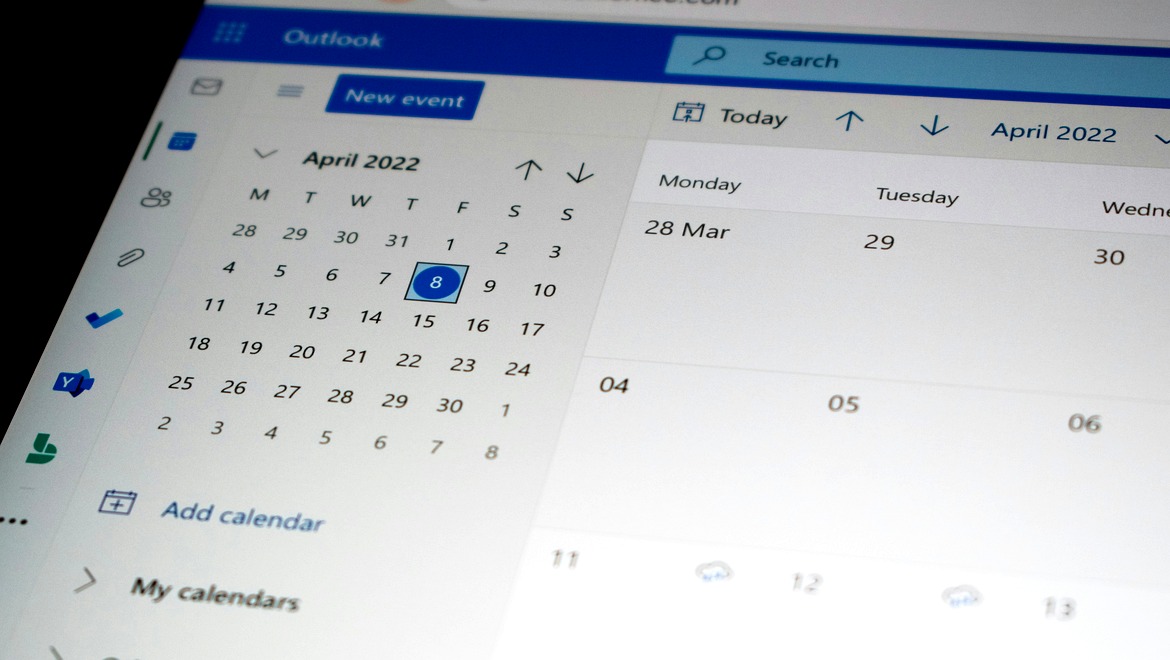
Calendar integrations that actually cover what you use. Google Calendar and Outlook are table stakes. If you run meetings through anything else, confirm it's supported before you commit.
Reminders and follow-through, not just booking. Placing an event on a calendar takes seconds. The time actually gets lost in forgotten follow-ups and no-shows. Check whether the tool handles that side automatically or leaves it to you.
Setup time versus payoff. If a tool needs hours of rule configuration before it's useful, it's competing with the problem it's supposed to solve. You should get real value in your first session.
Where your data lives. Most AI scheduling tools process everything in the cloud, reading your calendar, contacts, and sometimes email content. If you're scheduling around client or business-sensitive information, check whether the tool processes locally or ships everything to a third-party server.
Fit with the rest of your admin. If scheduling requests actually arrive through WhatsApp, email, or a messaging app rather than a calendar invite, a scheduler that only watches your calendar is solving half the problem.
Where Fika Fits
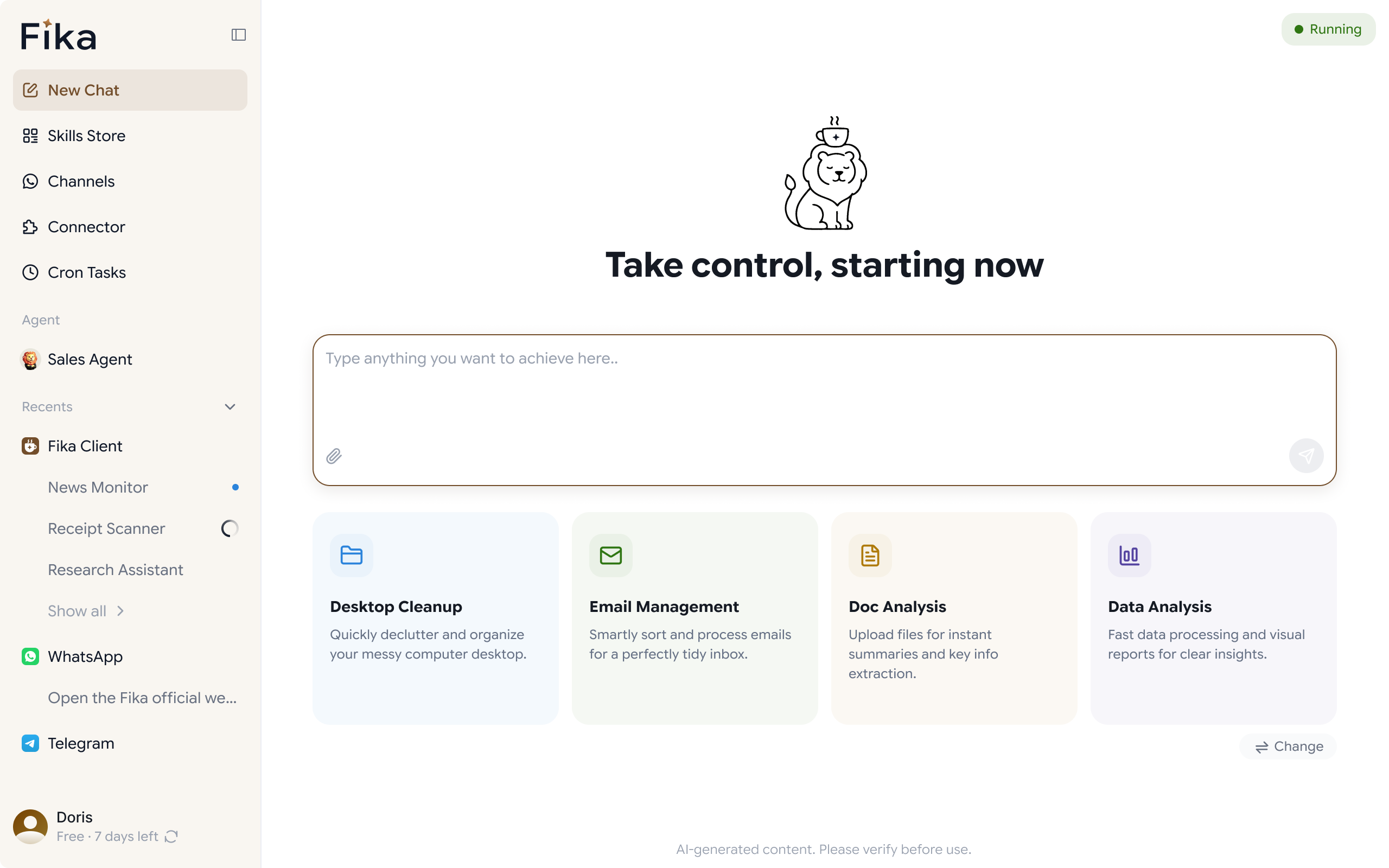
Fika is a desktop AI agent, not a dedicated scheduler, you won't get the deep auto-scheduling logic of a tool like Motion or Reclaim. What you get instead is scheduling folded into a broader Personal Agent that also handles files, research, and messaging, connected to Google Calendar and running scheduled tasks and reminders, and remembering your preferences across sessions. That combination fits a specific kind of user better than a dedicated scheduler does:
- Solopreneurs and consultants whose scheduling requests actually come in over WhatsApp, not a calendar invite. Fika runs both, so a request doesn't need to be manually copied from a chat into a calendar.
- People who want one tool handling admin, not five. If scheduling is one item in a longer list of things you're manually tracking, folding it into an agent that also manages files and follow-ups reduces the number of places you have to check.
- Anyone prioritizing data control. Fika runs locally on your machine rather than processing everything in the cloud, which matters if the meetings you're scheduling involve client or business-sensitive context.
If your main problem is a genuinely overloaded team calendar that needs deadline-aware task rebalancing, a dedicated scheduler will likely serve you better. If your problem is scheduling as one piece of a wider pile of admin you're handling solo, that's where Fika's approach holds up.
Getting Started
Download Fika for Windows or Mac and open the Personal Agent. Give it something concrete to start: "find 30 minutes with [name] next week" or "remind me to follow up with [client] in three days." From there, hand it more of the scheduling admin as you see what it takes off your plate.